
Calibrating Your Vision: Overcoming High-Performance Screen Fatigue in Palo Alto

Calibrating Your Vision: Overcoming High-Performance Screen Fatigue in Palo Alto

Calibrating Your Vision: Overcoming High-Performance Screen Fatigue in Palo Alto

Calibrating Your Vision: Overcoming High-Performance Screen Fatigue in Palo Alto

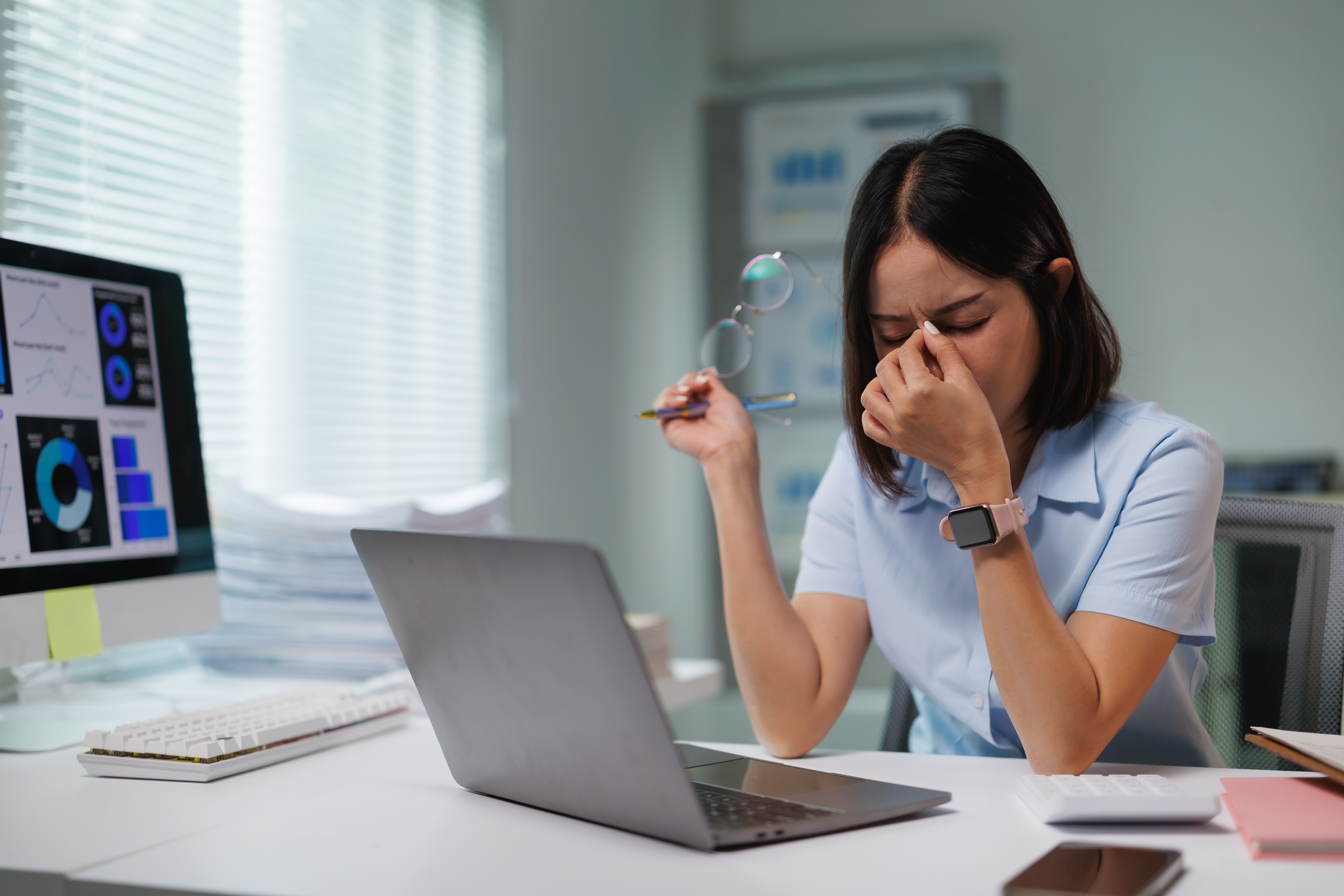
Long hours on laptops, multiple monitors, tablets, and phones can place constant demands on your visual system. For professionals and students in Palo Alto, screen-heavy schedules can lead to tired eyes, headaches, fluctuating focus, dryness, and difficulty staying visually comfortable through the end of the day.
At Palo Alto Eyes Optometry, we look beyond whether you can simply read an eye chart. A comprehensive eye exam can evaluate your prescription, focusing ability, eye coordination, and overall eye health to help determine what is contributing to persistent screen fatigue.
Why Screen Work Can Exhaust Your Eyes
Your eyes are designed to shift naturally between different viewing distances. Computer work changes that pattern by requiring prolonged focus at a relatively fixed near or intermediate distance.
The focusing system must remain engaged while the two eyes stay coordinated on the same target. Moving repeatedly between a laptop, second monitor, phone, and distant objects adds another layer of visual demand.
Even a small uncorrected prescription can make this work harder. You may still see clearly, but your eyes may be using extra effort to maintain that clarity throughout the day.
Signs Your Visual System Is Working Too Hard
Digital eye strain can look different from one person to another. Common signs include:
- Headaches after prolonged computer work
- Tired, heavy, or sore eyes
- Temporary blurry vision
- Difficulty shifting focus from near to far
- Burning or watery eyes
- Squinting at screens
- Neck or shoulder tension
- Reduced visual comfort late in the workday
If symptoms repeatedly return during demanding screen use, simply turning down the monitor brightness may not address the underlying problem.
Dry Eye Often Adds to Screen Fatigue
Screen use can also affect the tear film. People tend to blink less frequently and less completely while concentrating on digital devices. That allows tears to evaporate faster, which can lead to burning, grittiness, redness, watering, or fluctuating vision.
Palo Alto Eyes Optometry notes that dry eye can be worsened by screen time and environmental factors.
This overlap can make it difficult to tell whether your discomfort is coming from digital eye strain, dry eye, or both. If your vision briefly clears after blinking or your eyes feel gritty even away from the computer, tear film instability may be part of the problem.
Your Prescription May Need to Match Your Workspace
A prescription that works well for driving or general distance vision is not always ideal for an eight-hour computer day.
Presbyopia, astigmatism, farsightedness, and other refractive changes can affect how comfortably you see at working distance. Some patients may benefit from updating their everyday glasses, while others may need eyewear designed specifically for computer or intermediate-distance tasks.
A comprehensive exam can also evaluate eye movement and alignment, which helps determine whether the eyes are coordinating efficiently during sustained near work.
Small Screen Habits Still Matter
Even with the correct prescription, your eyes benefit from regular breaks. The 20-20-20 rule is a simple place to start. Every 20 minutes, look approximately 20 feet away for at least 20 seconds.
Keep your monitor at a comfortable distance, reduce distracting glare, increase text size when needed, and avoid positioning fans or vents directly toward your face. Conscious, complete blinking can also help maintain the tear film during concentrated work.
Your workstation should support comfortable posture as well. A monitor that sits too high, low, or far away can contribute to visual and physical strain at the same time.
Know When Screen Fatigue Needs an Eye Exam
Occasional tired eyes after an unusually long day may improve with rest. Persistent headaches, recurring blur, burning, focusing difficulty, or declining visual comfort deserve a closer look.
If demanding screen work is leaving your eyes exhausted, schedule a comprehensive eye exam with Palo Alto Eyes Optometry at 540 University Ave, Suite 110, Palo Alto, CA 94301, or call (650) 321-2015 to identify what is driving your screen fatigue and find a more comfortable way to work, study, and stay focused.


© 2026 Palo Alto Eyes Optometry | All Rights Reserved | Accessibility Statement | Privacy Policy | Sitemap
Powered by

